
The product needed users to complete call-forwarding activation before the assistant could create value.
Activation / Trust / Mobile UX
Equal AI Onboarding Drop-offs
A silent wait made activation feel broken.
- Product
- Equal AI assistant setup
- Role
- Product design lead
- Scope
- Onboarding recovery, status communication, assistant activation flow
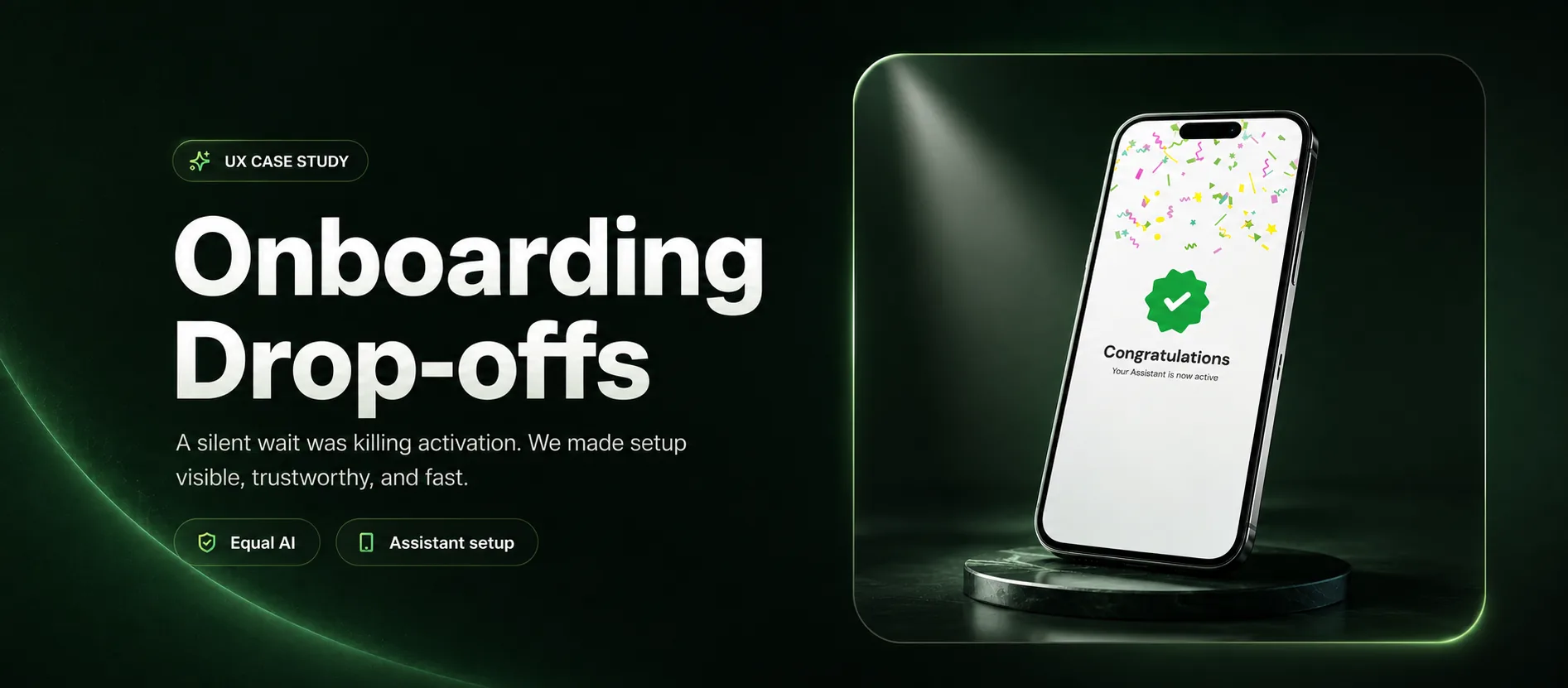
The tension
Users were not abandoning the assistant. They were abandoning an invisible wait that looked broken.
Observed behavior pointed to a trust problem, not a value problem: without progress or confirmation, users closed the app and later discovered setup had never finished.
Success looked like
Success meant more in-session activations, fewer exits, and users understanding what happened when setup failed.
The constraint
Some recovery actions could only be triggered by users, and the flow had to stay lightweight inside a mobile setup moment.
68.7%onboarding completion
More users finished in-session.
-47%app exits
Fewer exits during setup.
1.2MDAU scale
Equal now reaches 24.6M MAU.
The product story
The interface, one decision at a time.
01 / Before
Silence looked exactly like failure.
A carousel filled the wait, but never answered the only question that mattered: is setup actually working?
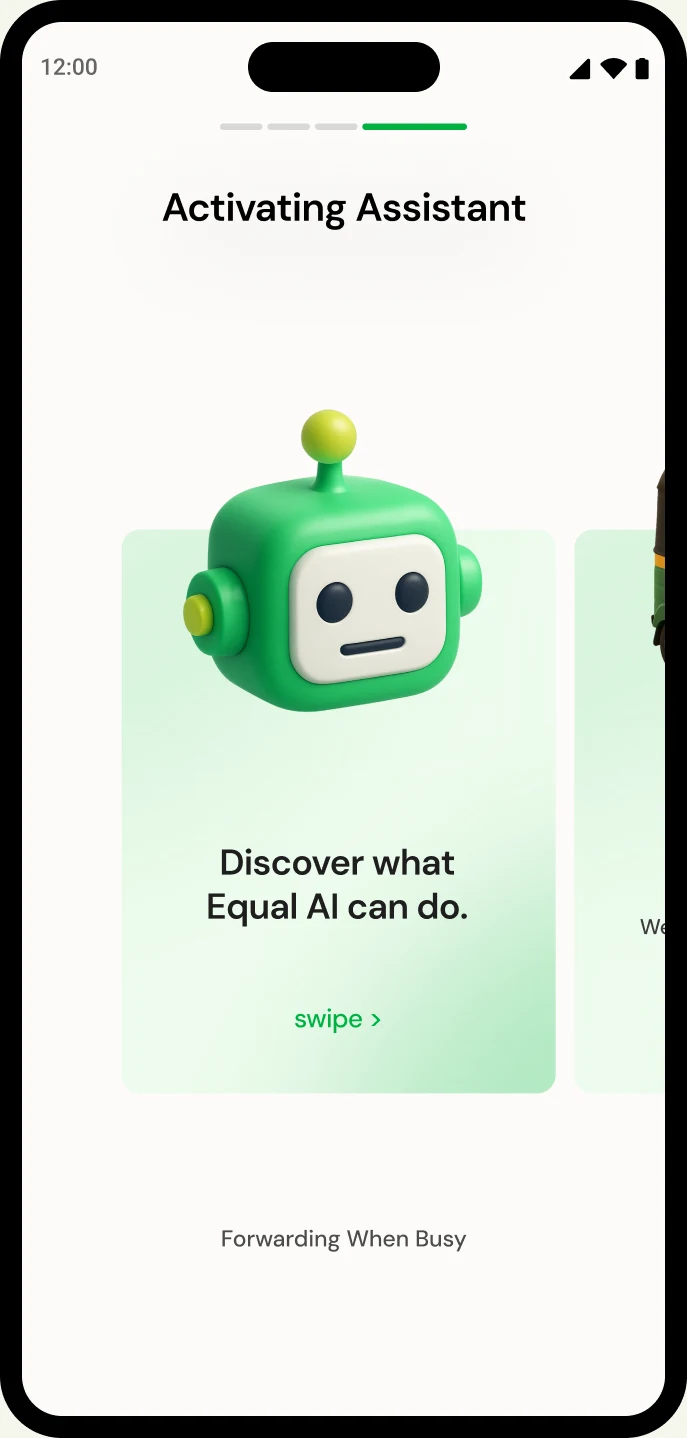
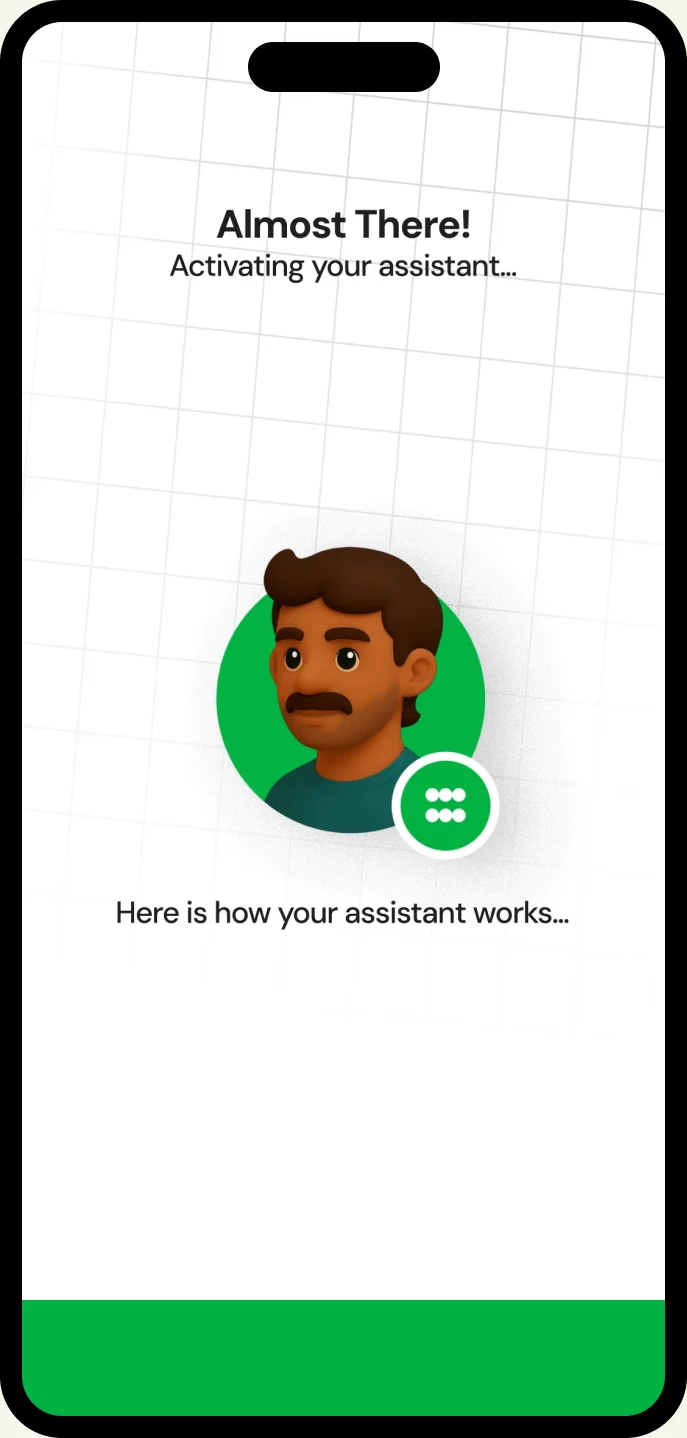
02 / The move
Turn waiting into a short product story.
Visible status proves the app is moving; a lightweight video uses the same 30 seconds to explain the value ahead.
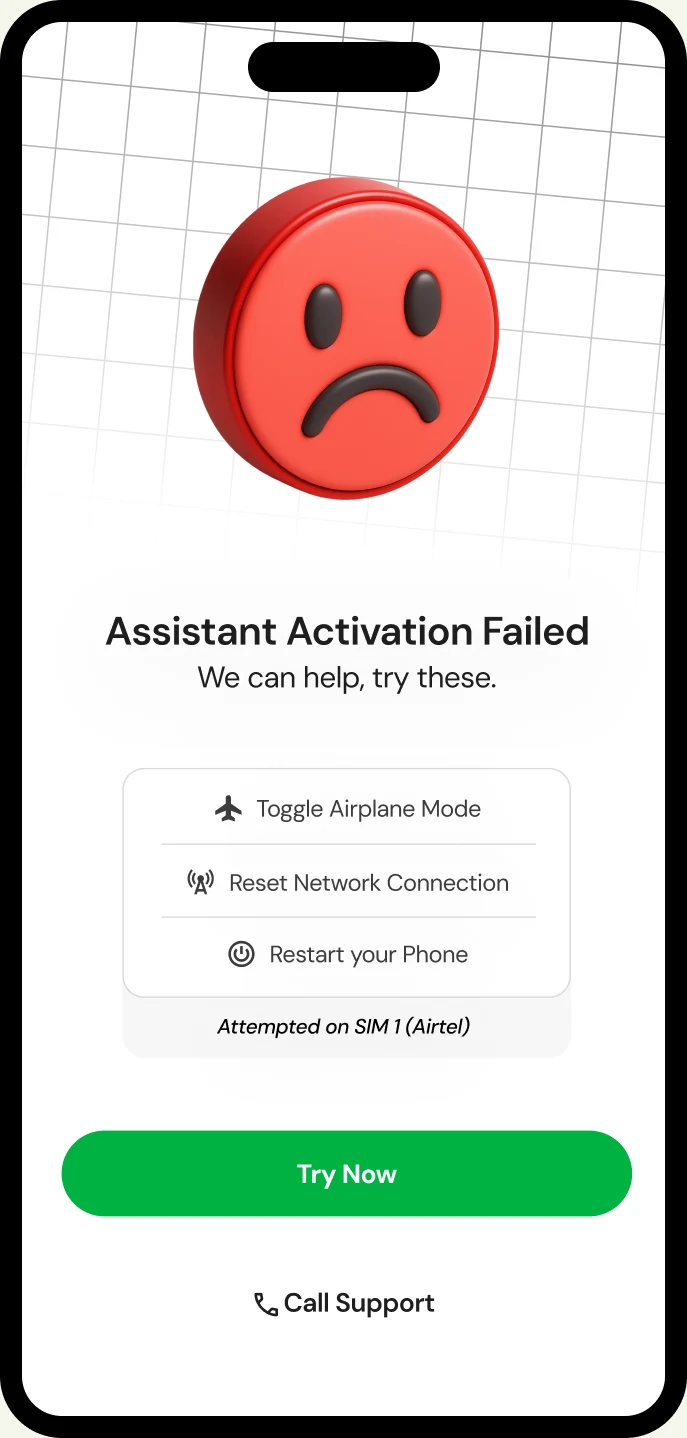
03 / Soft recovery
If setup fails, diagnose before asking for patience.
After automatic retries, the product identifies likely causes, shows the affected SIM, and gives actions only the user can take.
Onboarding video
Onboarding in motion
The setup moment becomes visible, paced, and recoverable.
The trust test
The happy path is only half the product.
Forwarding setup fails
The screen names the issue, gives the next action, and keeps support close.
Network or SIM blocks activation
Users get a retry route with plain-language causes instead of a dead end.
The wait feels broken
Progress, proof, and status messaging replace silence during activation.
The decisions
Three moves carried the story.
Make waiting active
Progress, retry, and success states made the verification step legible instead of leaving users to assume the product had stalled.
Use setup time to teach value
A lightweight video and status copy explained what the assistant would do next without overloading the screen.
Recover with specific user actions
Failure states explained the issue, identified possible SIM or network causes, and offered a calm path to retry or get help.
What I would test next